Index:
3. How to draw a perfect square (Line tool).
4. How to create a cube out of a square (Push/Pull tool).
5. How to measure distances (Tape measure tool).
6. How to use the Push/Pull tool on a vertical plane.
7. How to make a squared hole.
8. How to draw circles, cylinders and circular holes.
How to make a squared hole.
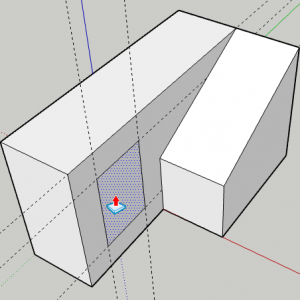
The first step to make a hole is drawing its shape with the «Line» tool. In the example below, the «Tape Measure» tool is used to make a perfectly squared hole.
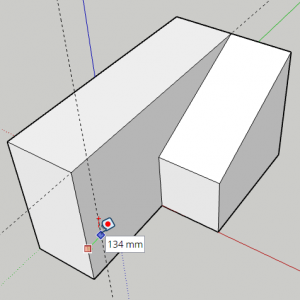
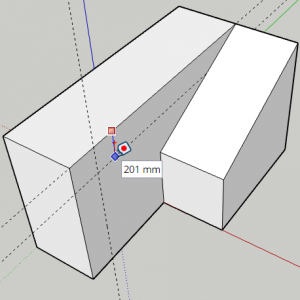
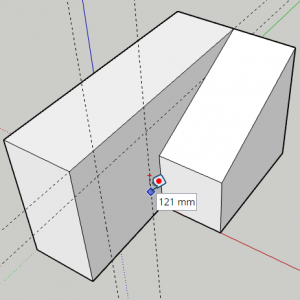
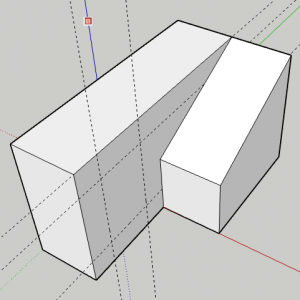
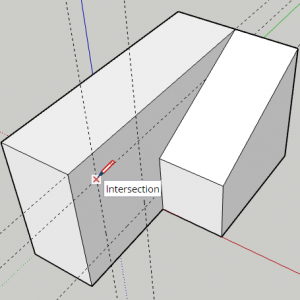
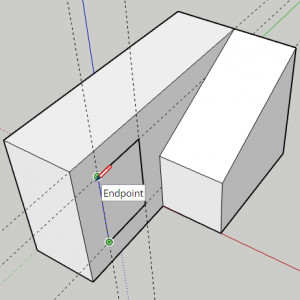
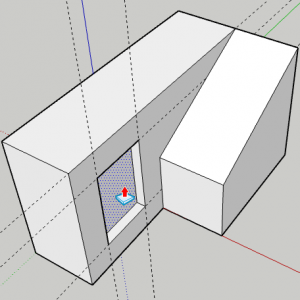
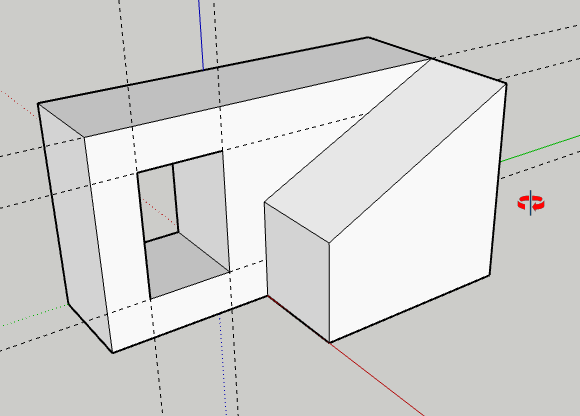
To create the hole you will use the «Push/Pull» tool, but pushing in instead of out, as you can see in the pictures below. If you want to create a through hole (a hole that goes through the entire shape) you must exactly indicate the length of the hole. That is why using your keyboard to exactly indicate the length of the hole is necessary.