Index:
3. How to draw a perfect square (Line tool).
4. How to create a cube out of a square (Push/Pull tool).
5. How to measure distances (Tape measure tool).
6. How to use the Push/Pull tool on a vertical plane.
7. How to make a squared hole.
8. How to draw circles, cylinders and circular holes.
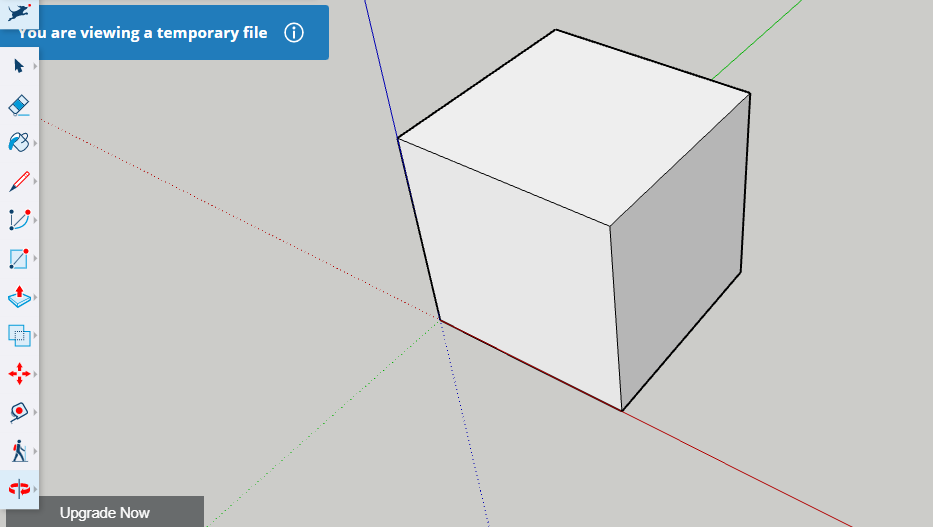
How to create a cube out of a square (Push/Pull tool).
To create a volume out of a flat shape, like a square, for example, you need the «Push/pull» tool.
Just click on the 2D shape, that will darken as you place the cursor on top. Then move the mouse in the direction you want the volume to be created.
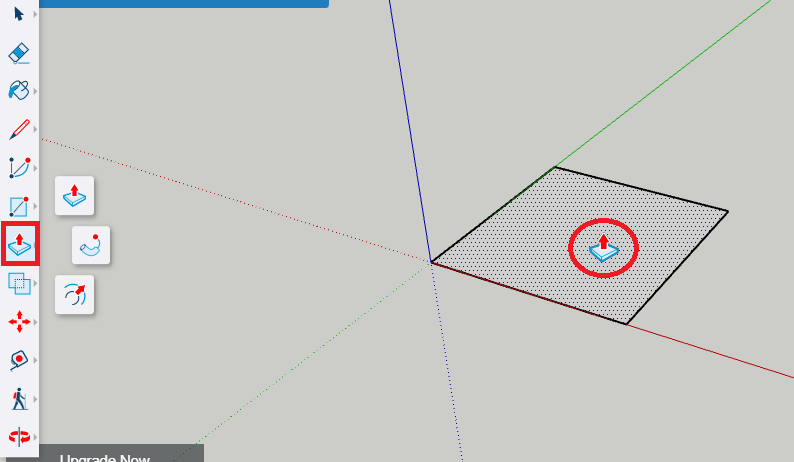
As with the «Line» tool, before clicking, you can directly type the length of the volume with your keyboard and then press enter. That way, you will get exactly the length you want.
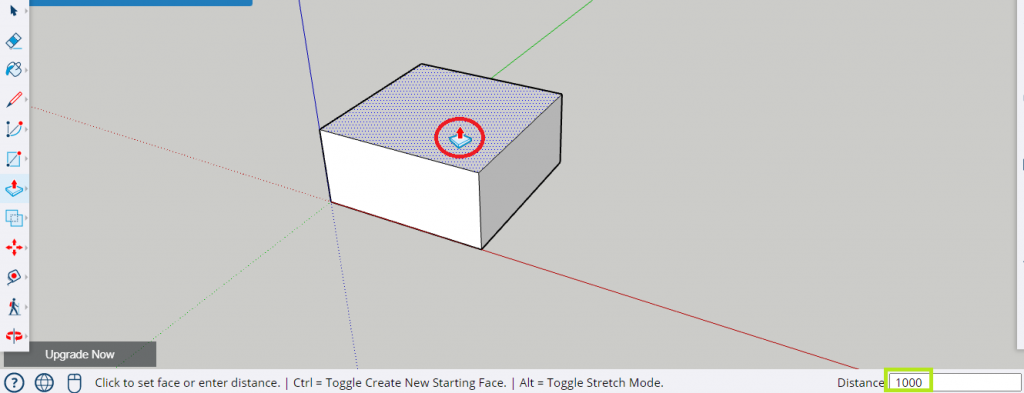
Final result: