Index:
3. How to draw a perfect square (Line tool).
4. How to create a cube out of a square (Push/Pull tool).
5. How to measure distances (Tape measure tool).
6. How to use the Push/Pull tool on a vertical plane.
7. How to make a squared hole.
8. How to draw circles, cylinders and circular holes.
First steps with SketchUp.
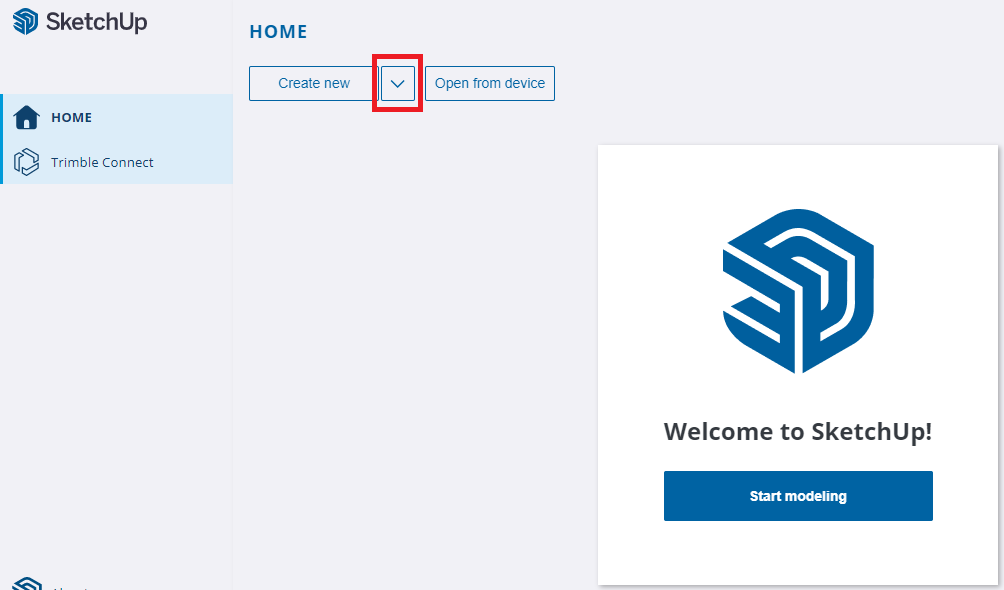
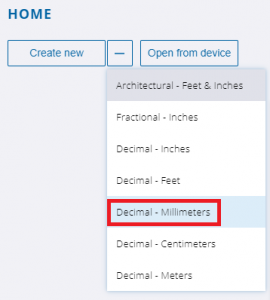
The first thing you must select when creating a new project are the units you will use for the measures of your model. To do it, click in the little arrow squared in the picture below and select millimeters, meters…
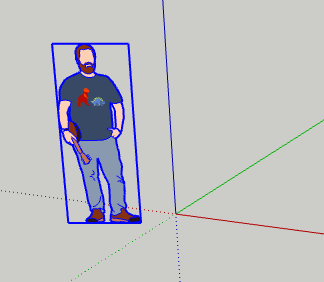
Once the new project has been created, you must select and delete the character that appears in the middle of the screen.