Index:
3. How to draw a perfect square (Line tool).
4. How to create a cube out of a square (Push/Pull tool).
5. How to measure distances (Tape measure tool).
6. How to use the Push/Pull tool on a vertical plane.
7. How to make a squared hole.
8. How to draw circles, cylinders and circular holes.
How to measure distances (Tape Measure tool).
Using the «Tape Measure» tool helps you to create guides (not lines) at specific distances from the edges of the volume. Those guides can be shown or hidden at any moment from the right menu:
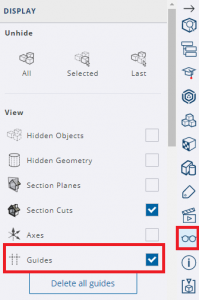
To create a guide (dots lines), click on one edge and move the cursor perpendicular to the edge. Then, types the distance with your keyboard and press enter.
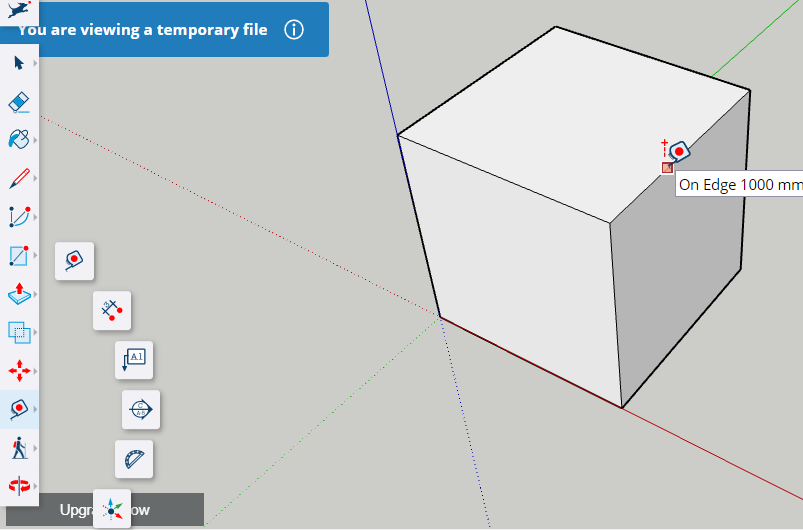
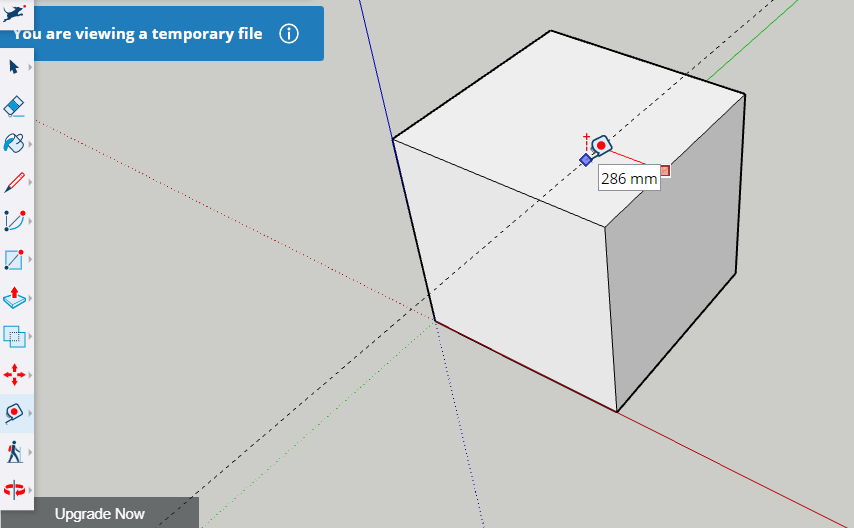
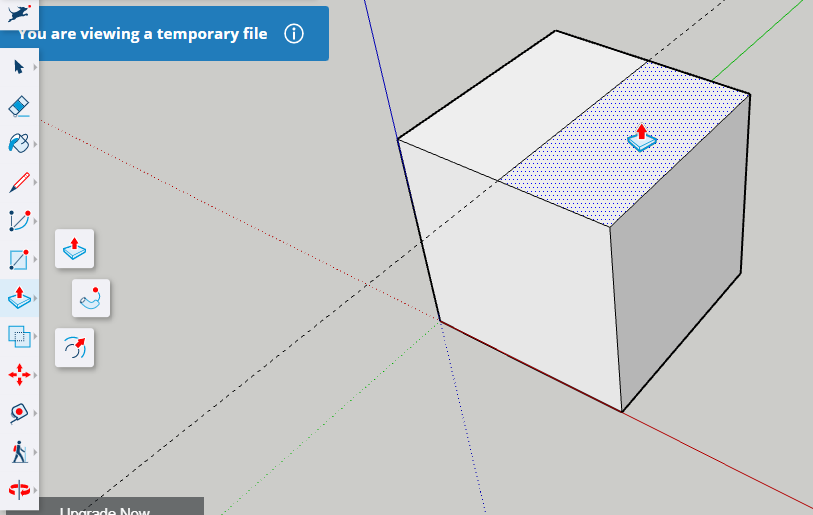
Bear in mind that a guide is not a line. To draw a solid line you will need to use the «Line» tool as shown below:
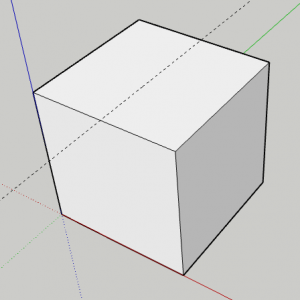
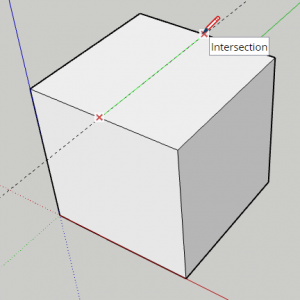
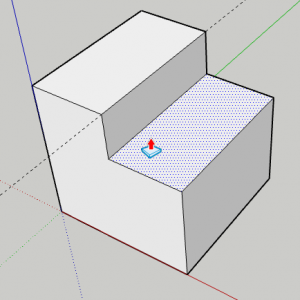
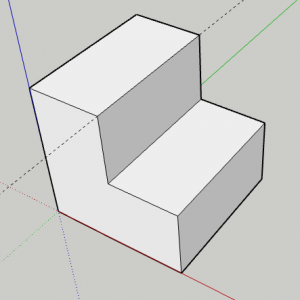
Once the line is drawn you can use the Push/Pull tool to remove a part of the shape: