Index:
3. How to draw a perfect square (Line tool).
4. How to create a cube out of a square (Push/Pull tool).
5. How to measure distances (Tape measure tool).
6. How to use the Push/Pull tool on a vertical plane.
7. How to make a squared hole.
8. How to draw circles, cylinders and circular holes.
How to use the Push/Pull tool on a vertical plane.
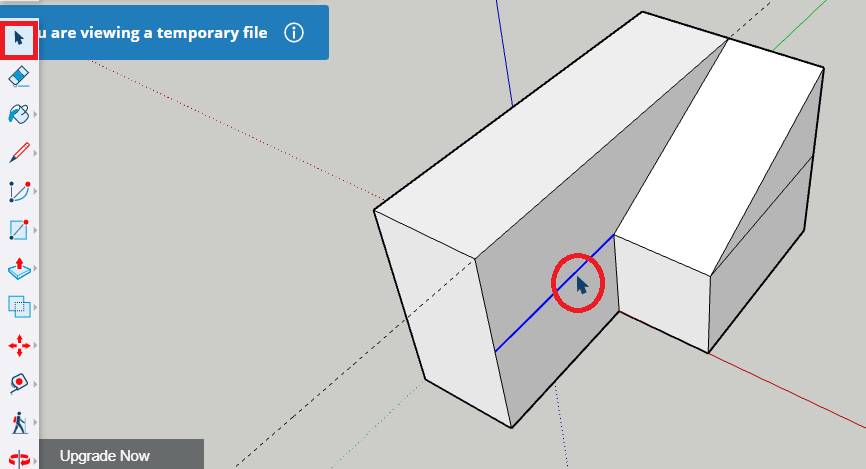
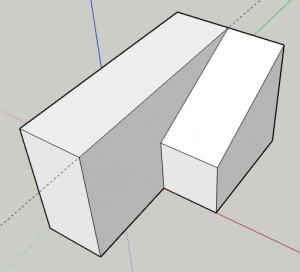
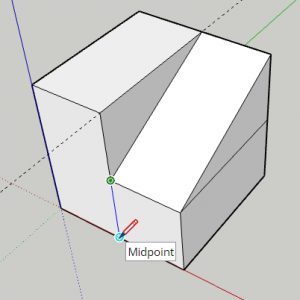
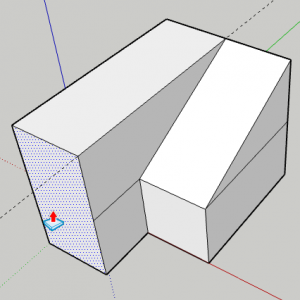
Both, «Line» and «Push/Pull» tools can be used in horizontal and vertical planes. In the pictures below you can see the process followed to make a slope by drawing a line on a vertical plane and the using the «Push/Pull» tool to give it volume.
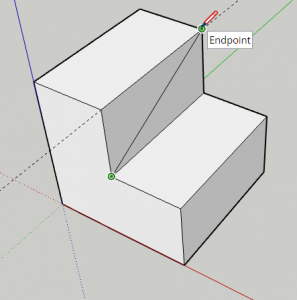
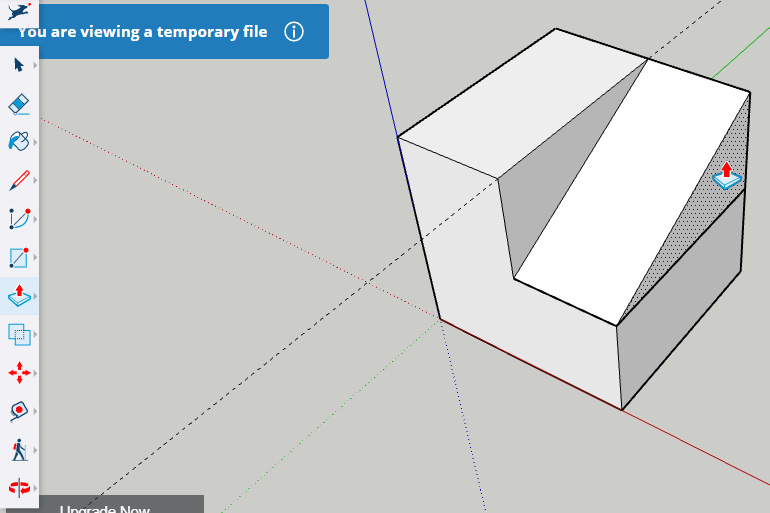
In this other example, a line has been drawn in another vertical face and the «Push/Pull» tool has been used in a different direction.
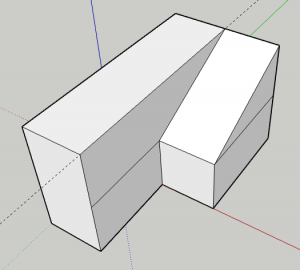
Unwanted lines can be removed by selecting them (with the black cursor) and pressing the delete key on your keyboard. But be careful, some lines can’t be erased because their removal can cause the 3D shape to open, becoming a hollow shape.