Index:

2. Creating your first website.
5. Some blocks that you should know.
2. Creating your first website.
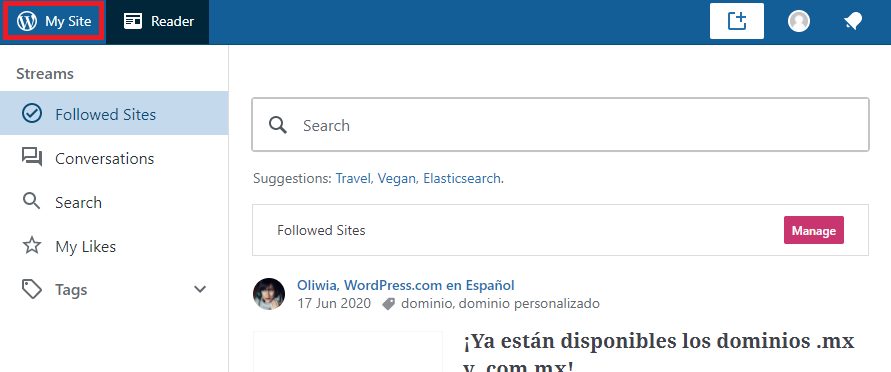
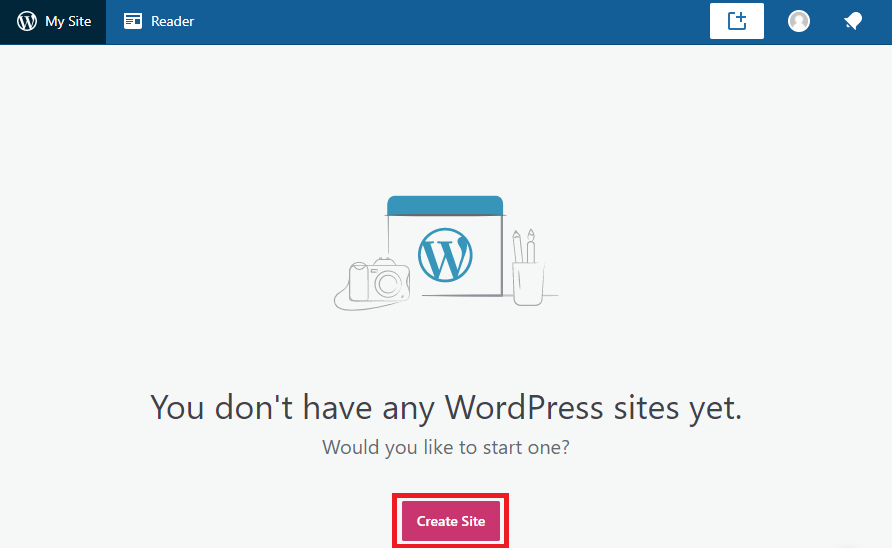
To start creating a website click on My Site and then Create Site:
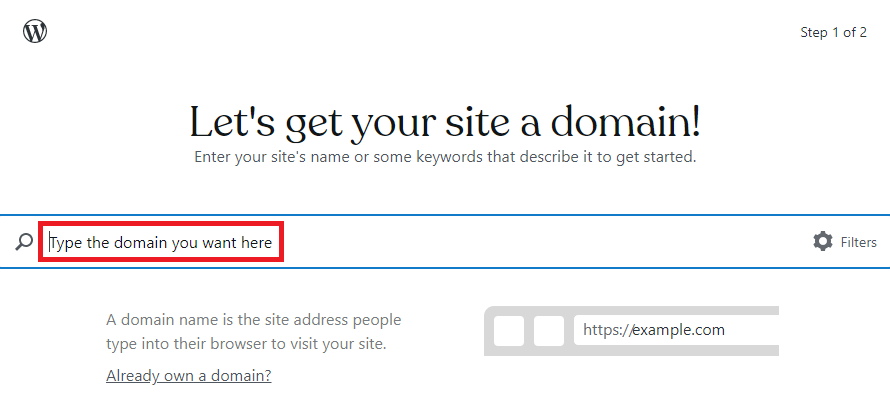
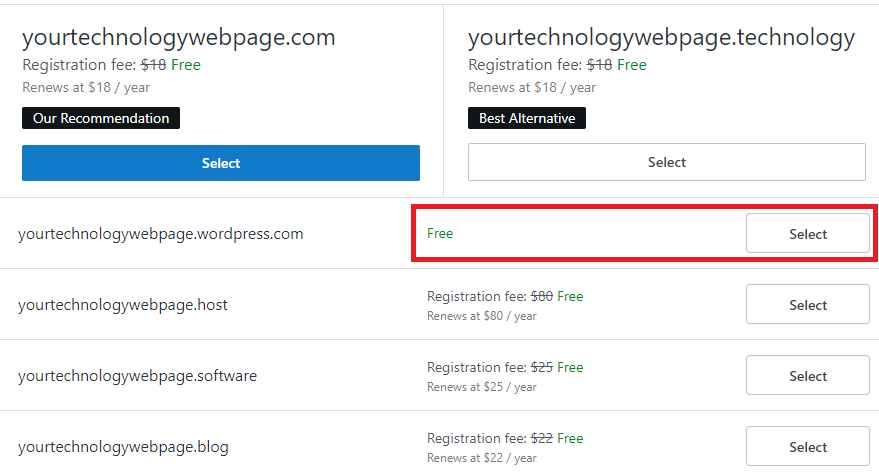
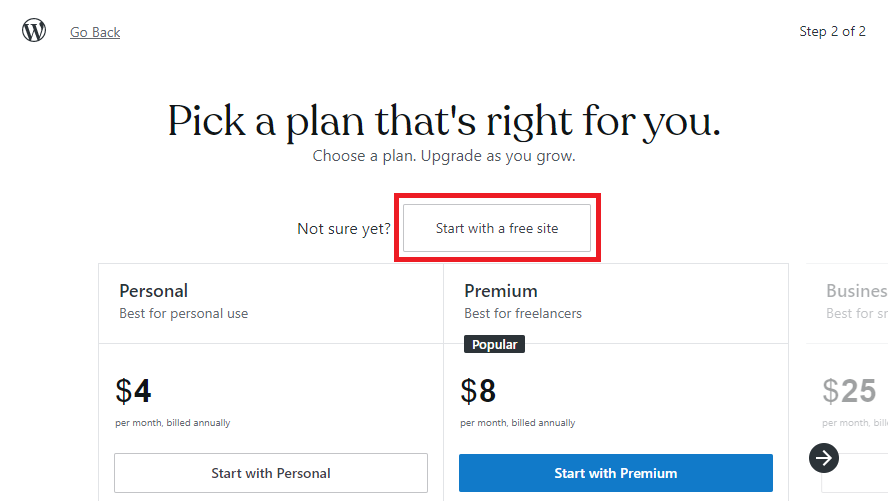
Then, WordPress will ask you to type the domain you want for your website, that is, the name with which it will be found on the internet. Take your time to choose a name that is appropriate for the website you plan to design. Once you’ve found a domain name that is available for free Select it and click on Start with a free site:

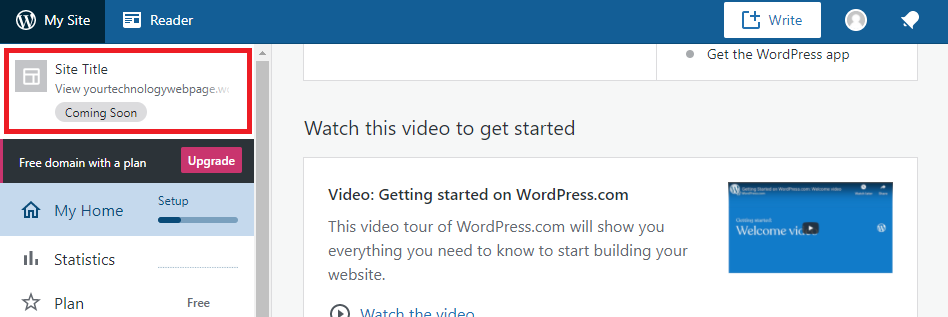
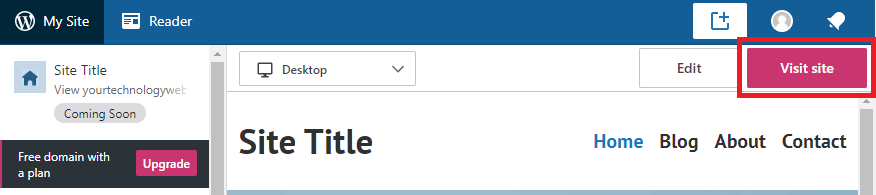
You have just created a webpage already. If you want to access it click on the red box of the picture below and the in the Visit site button. You can check that some pages have been automatically created, but now it is your turn to start adding your own pages to the website: