Index:

2. Creating your first website.
5. Some blocks that you should know.
5. Some block that you should know
a) Paragraph
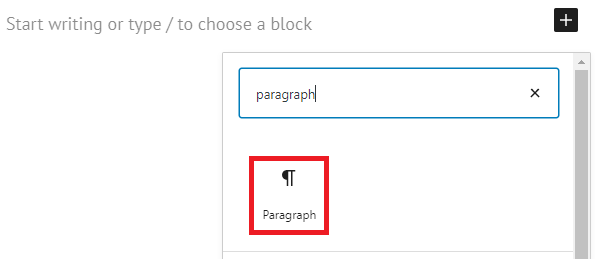
is the mot basic block in WordPress. It allows you to write a text and then edit it as you wish.
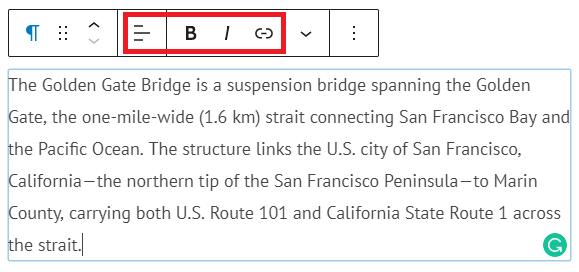
With the buttons boxed in reed you can:
- Select the alignment of the text (left, center or right).
- Write bold (B) and italic (I) text.
- And add links to other webpages.
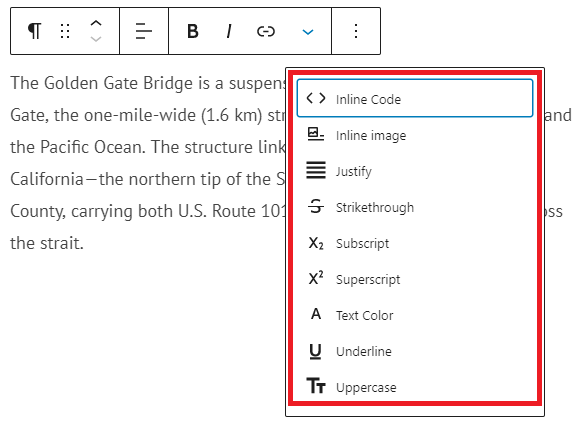
You can also edit your text with the tools that appear on the menu below:
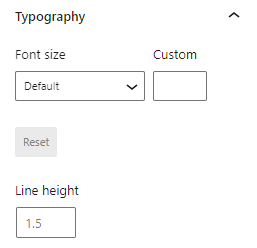
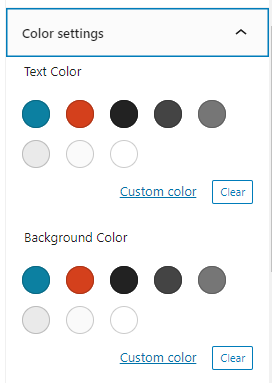
As well as set the Font size and the color of the text and its background with the menus on the right:
b) Images and videos
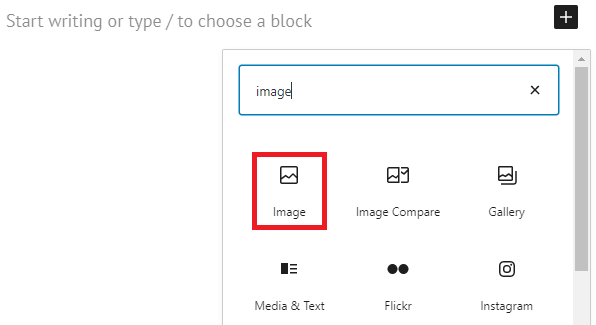
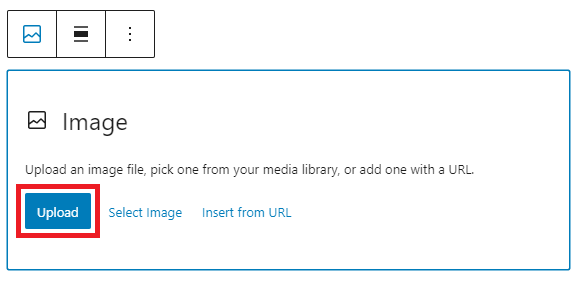
WordPress allows you to upload images that are saved on your computer. Make sure that the images selected for your website have enough quality so that they are not pixelated:
if you want to add a video you have two options: uploading it from your computer or selecting one from a contents site such as YouTube:
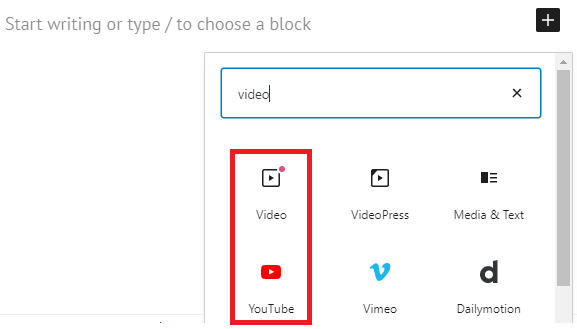
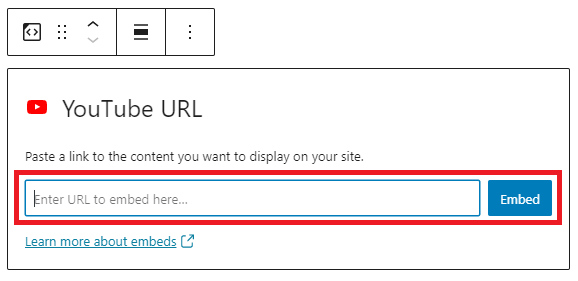
c) Gallery
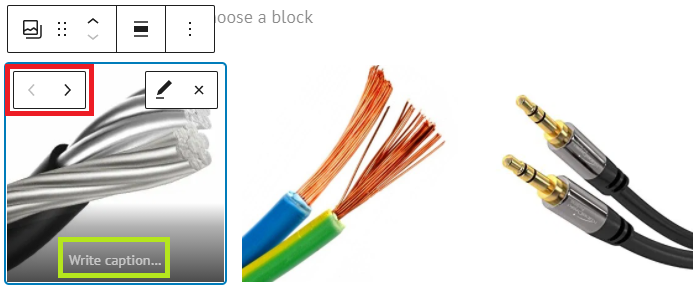
A gallery is a group of images like the ones below:

Copper wire 
Aluminium wire 
Gold wire
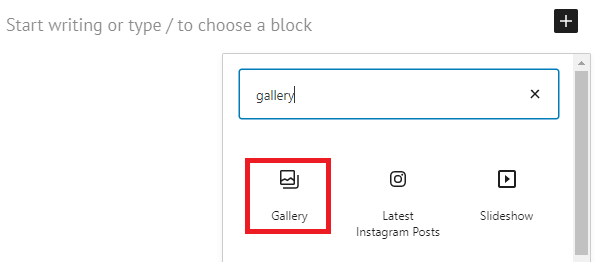
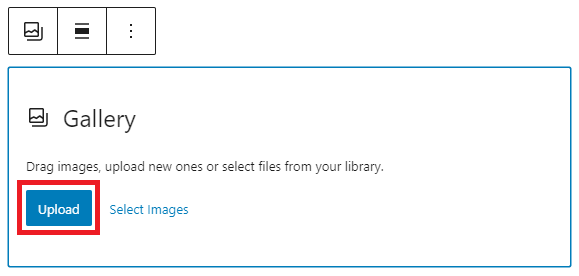
You just need to upload the images that you want to include in the gallery…
Then order them using the little arrows boxed in red and write an explanation of the picture if you want it (green box):
d) Headings
Headings allow you to better organize the contents of your website in several levels of importance. Apart from that, search engines (such as Google) will show your website in a better position if is correctly structured.
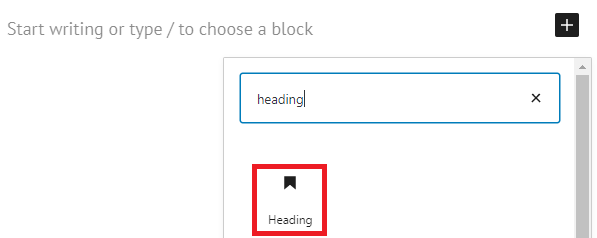
You can select the kind of heading in the button boxed in red, from H1, the main headings, to H6, the least important headings.

e) Spacers and separators
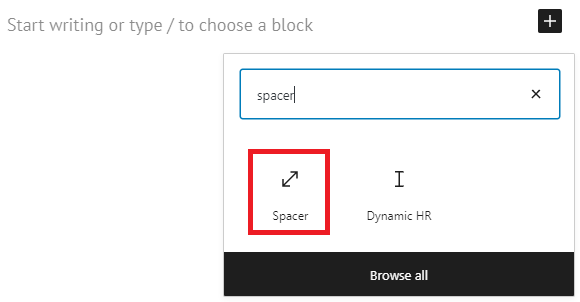
Are two elements that will help you to improve the appearance of your website:
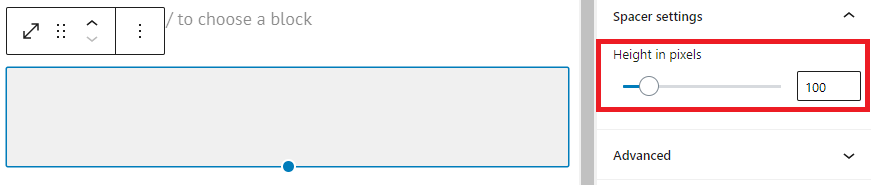
- A spacer is just a blank space between two other blocks. The only parameter you need to set when adding a spacer is its height (in pixels):
- A separator is a line or group of dots that divides two parts of a webpage. Below you can see some examples:
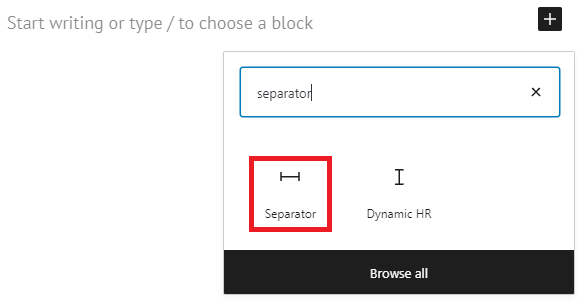
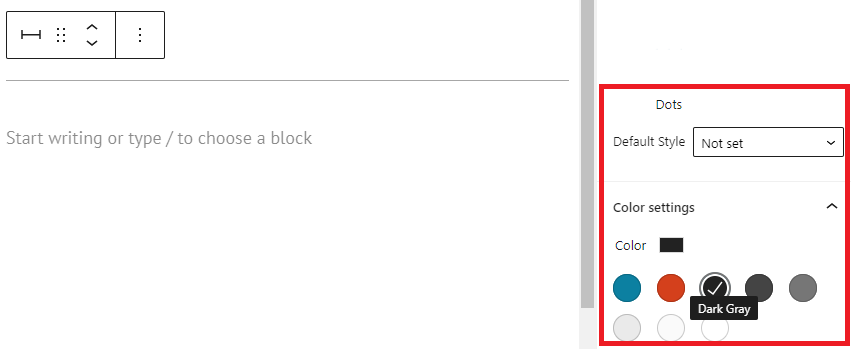
In this case you can select both the style of the separator and its color:
f) Lists
A list is a block in which several items are included in a column.
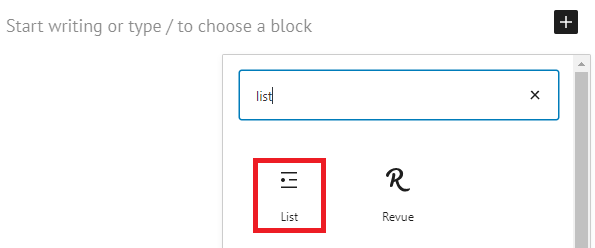
In a list you can choose the symbol that appears before each of the items:
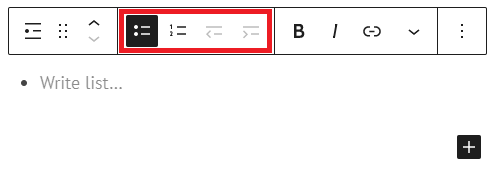
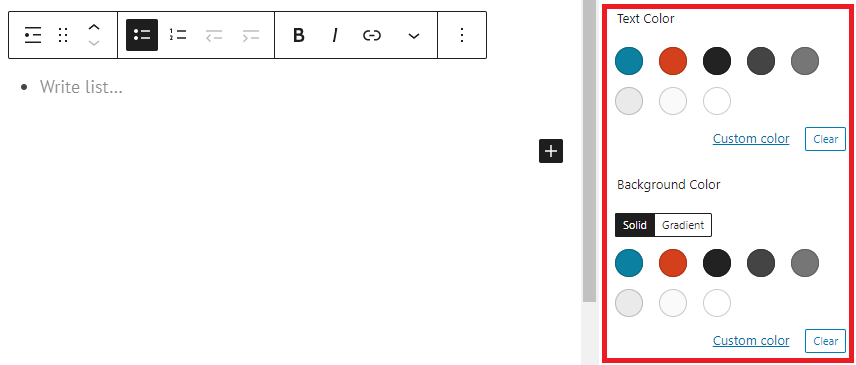
As well as the color of the text and of the bakground: