Index:

2. Creating your first website.
5. Some blocks that you should know.
6. How to launch your site
If you want your site to be visible by anybody when entering its address you will need to launch it. To do so you must follow these easy steps:
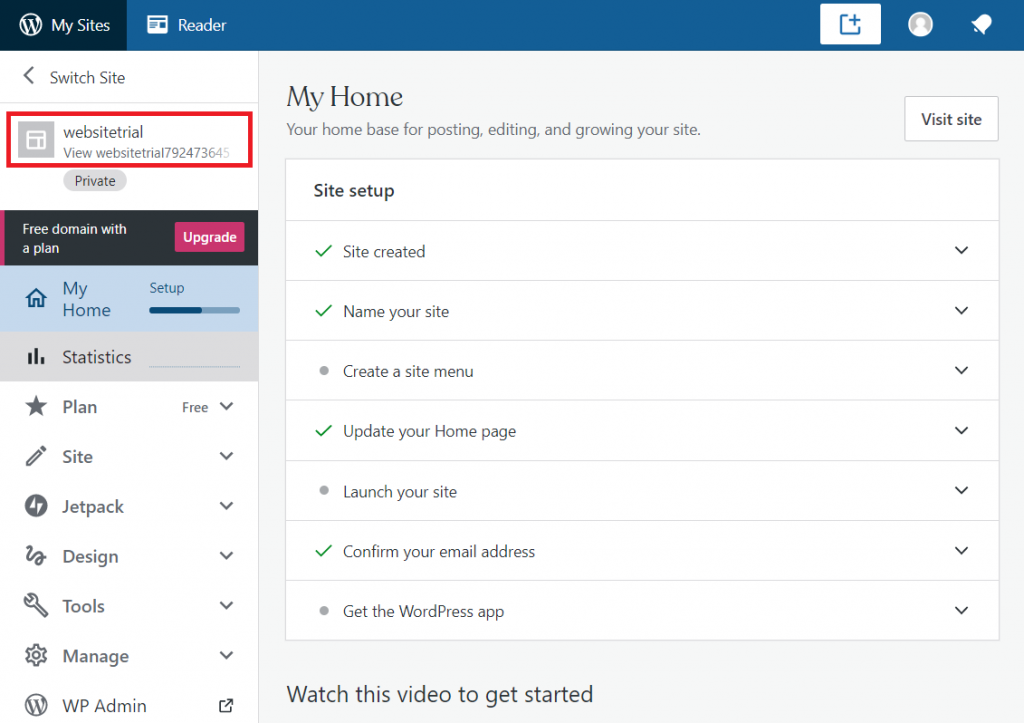
1) Click in the field boxed below to see the preview of your website. If you’ve created more than one website make sure that you visit the one that you want to launch (click in Switch site to select it):
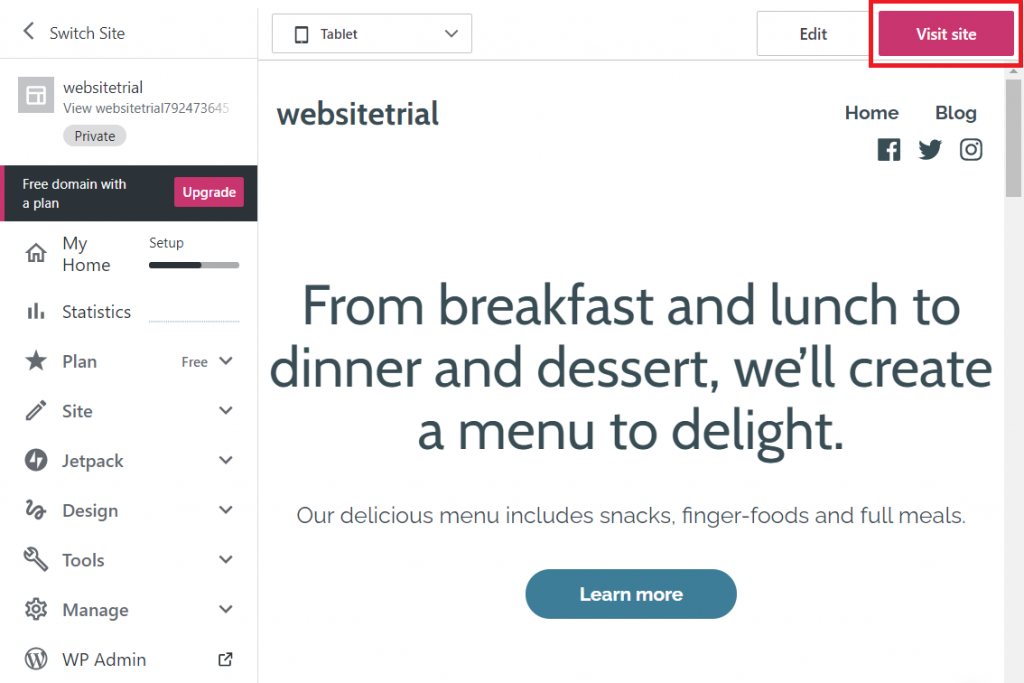
2) Then click in Visit site:
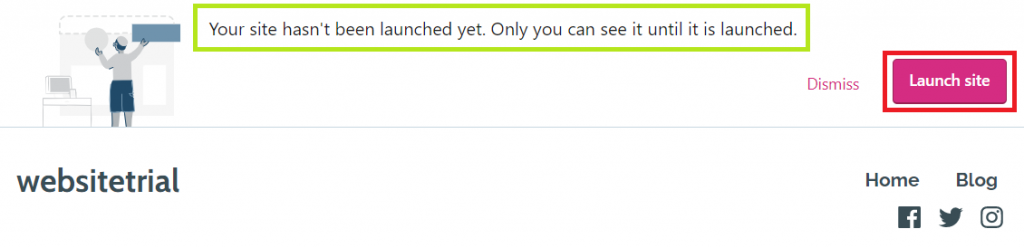
3) If your site is still not launched the message boxed in green will appear on the top*. In that case you must click in Launch site:
* VERY IMPORTANT! If you haven’t still confirmed your email it will let you Resent a verification email. If that’s your case click on that link, and open the email that you will receive in your personal account to confirm it. If you don’t do it you won’t be able to launch your site.
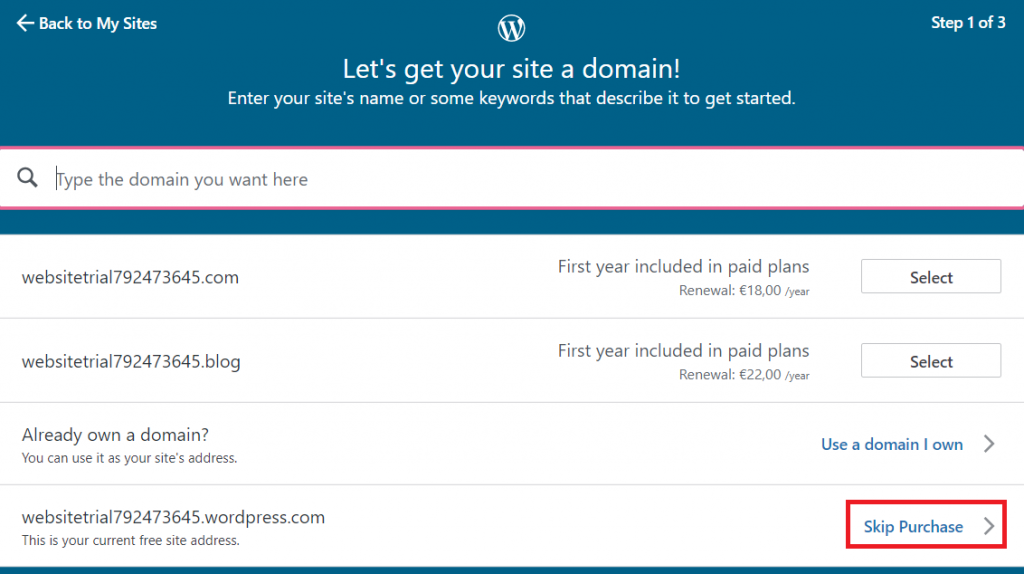
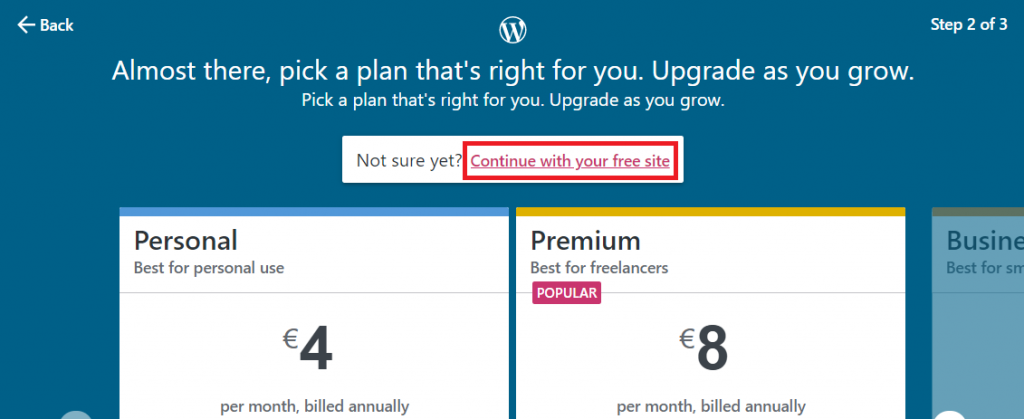
4) Finally click on Continue with your free site:
Once the message below appears the process will be finished: