Lesson 3:

How to send an email.
First of all, you should know that, although Gmail is the most widespread email service, there are other options, such as Outlook or Yahoo!



In order to use any email service, the first step is to register on its website. If you are under 14 years old (in Spain) you will need your parents’ consent to create an email account.
In the process of creating an account, you are asked to choose a username, which of course must be unique, so you will not be able to use a name that has already been chosen by someone else. Any email address is made of the username plus what is called the domain name. The domain name of your email address depends on the email service you choose:
- In Gmail: username@gmail.com
- In Outlook: username@outlook.com
- In Yahoo: username@yahoo.com
Important! Your email address is private, therefore you should not give it to strangers, in the same way that you would not give your phone number to anyone.
From now on we will explain how to send an email with Gmail, since it is the most used email service in the world. However, if you have a different email account, the process will be quite similar.
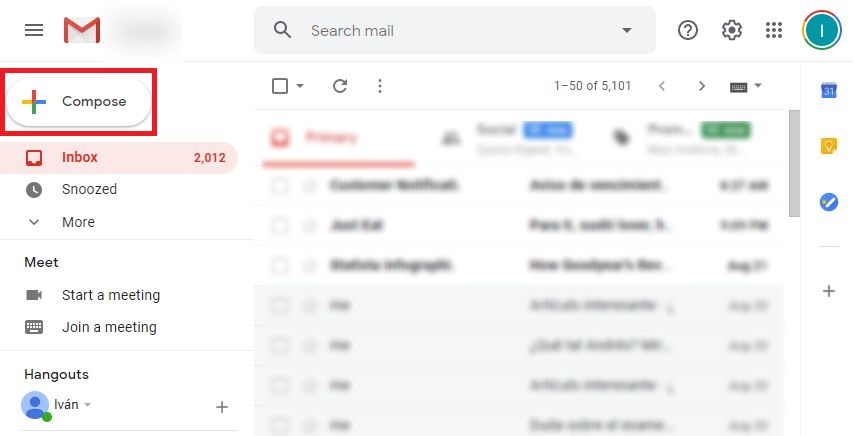
The first step is to click on the Compose button, which is located on the top left:
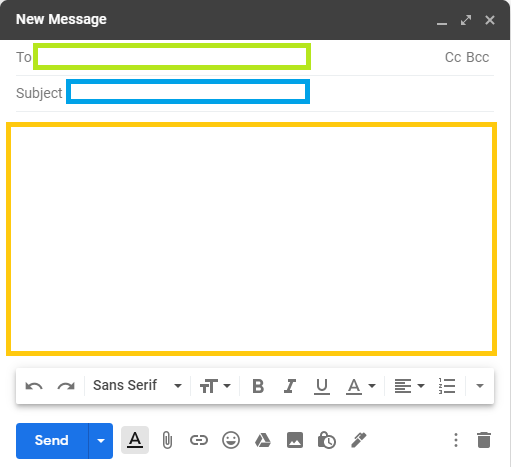
A window will then appear to start writing the email, which consists of three parts:
Recipient address.
The first field that must be filled in is the email address of the person to whom you want to send the message.
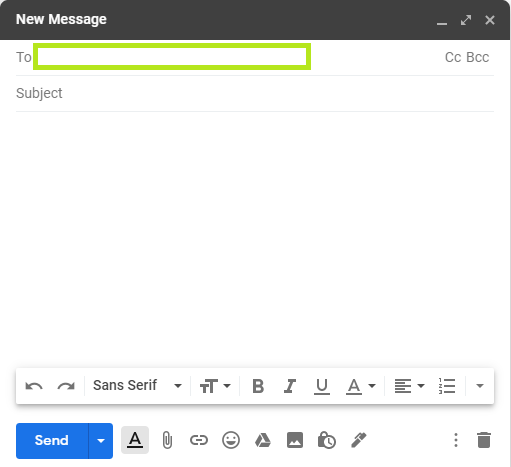
It is important to write the address correctly, both the name and the domain name. If you send the email to the wrong address, two things can happen:
- That the address does not exist, in which case you will receive a message advising that the mail could not be delivered.
- That it is the address of another person in which case that other user will receive it.
The subject of the email
The second field to fill in is the subject, which is a brief description of the email message.
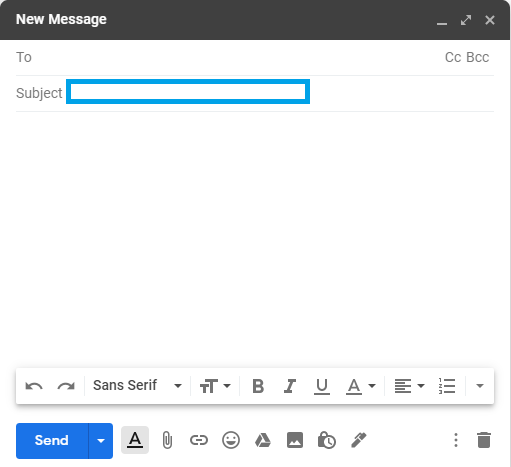
When somebody opens the email account the first thing that appears are the subjects of the different emails received. Therefore, writing the subject properly can give you useful information about whether it is an urgent message, who sent it… Let’s see some examples:
- Imagine that you want to send an email to a teacher, who does not know your email address, to ask a class question. In that case, it would be convenient for you to indicate your name, course, class group… For example:
Subject: Class doubt, Marco Fernández of 1st ESO – A
- Or imagine you want to invite to your birthday party a friend who lives far away and whom you are not going to see in person. If in this case he knows your email address, it will not be necessary for you to write your name in the subject, one possibility would be:
Subject: Invitation to my birthday party.
- Finally, imagine that you find out that your neighbor’s house has a breakdown and the water is leaking. You don’t have his phone number but you do have his email address. As it is an emergency, the email could be something like this:
Subject: Urgent! Breakdown in your house.
To sum up, the subject should be a brief description of the message without going into too much detail.
The body of an email.
Finally, you have to fill in the body of the email, which is the part where the whole message is written.
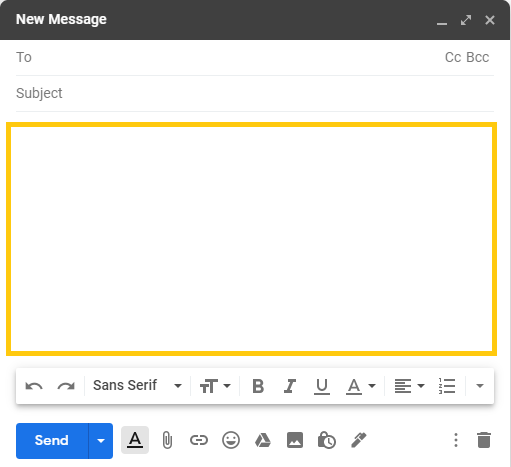
Apart from the information that you want to transmit, you must include an initial greeting and a goodbye. An example could be:
«Good Morning Charles,
I’m writing to let you know that I will arrive in Madrid on Wednesday at 3 in the afternoon. You don’t have to wait for me to have lunch, see you in the afternoon.
Best regards,
Mary.«
There are no specific rules when writing the body of the email, just try to be polite and not to make writing mistakes.
Send the message.
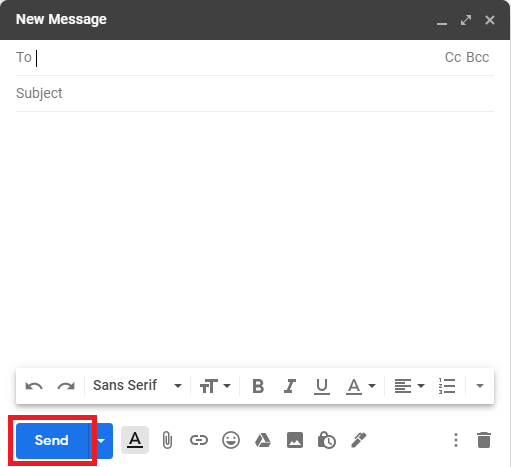
Once the email is written, all that remains is to click on the send button. Nonetheless, it is always advisable to check that you have not made any mistakes (in the address, spelling mistakes …) before sending it: