Index:
1. How to change language and sign in to Tinkercad.
2. Adding shapes and changing its dimensions and color.
3. How to rotate a shape and move it up or down.
4. How to group several shapes and make holes.
3. How to rotate a shape and move it up or down.
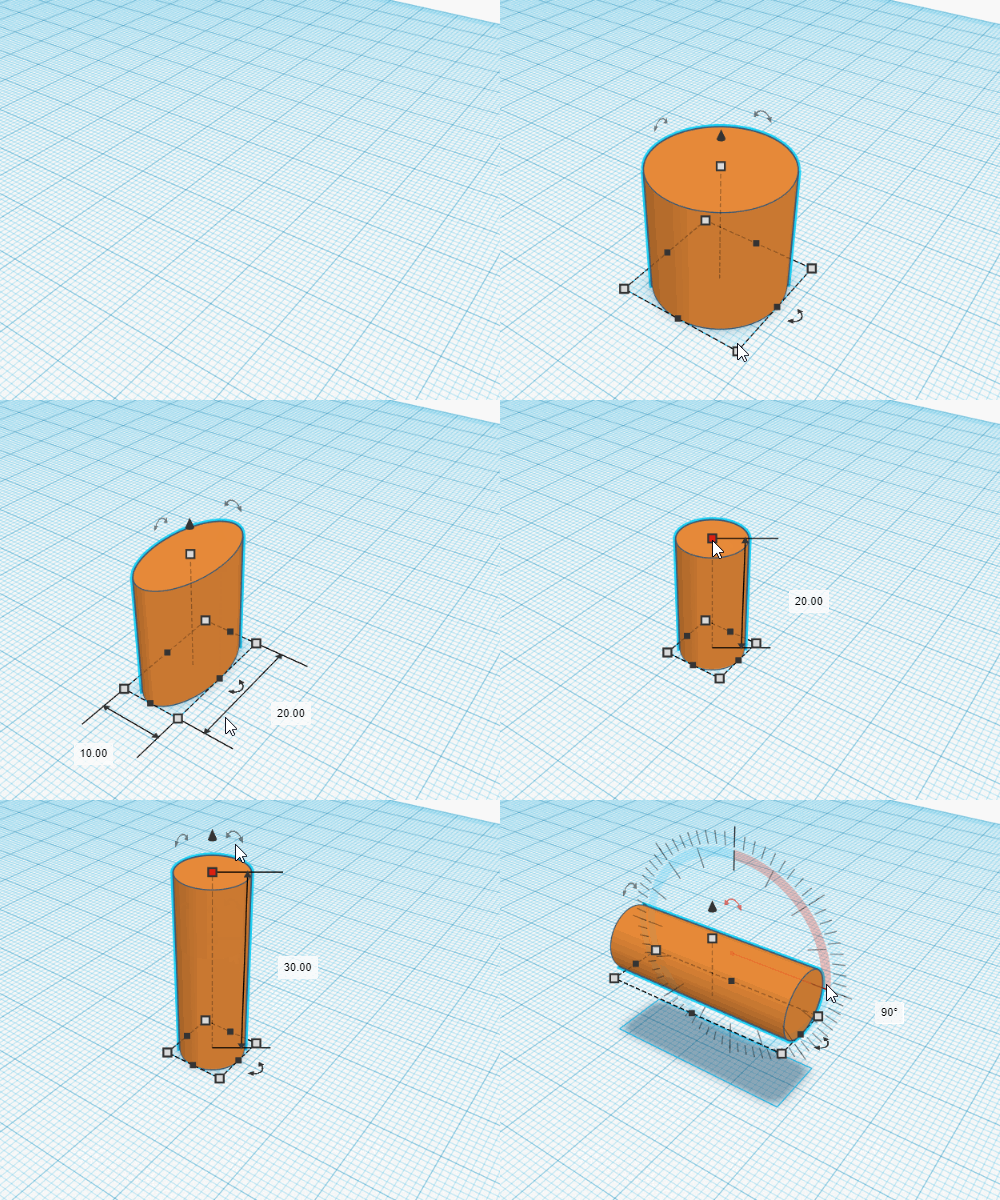
Another option that Tinkercad offers to create your designs is rotating the shapes. We are going to see an example in which a cylinder is rotated 90 degrees. But before that, you must learn how to change the number of sides of a cylinder to make it rounder:
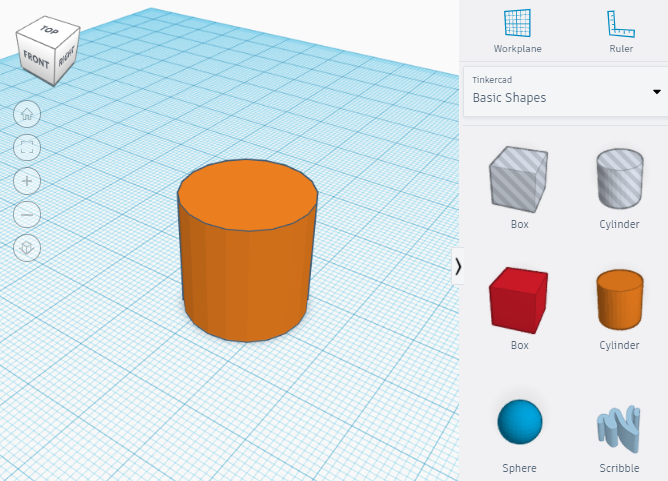
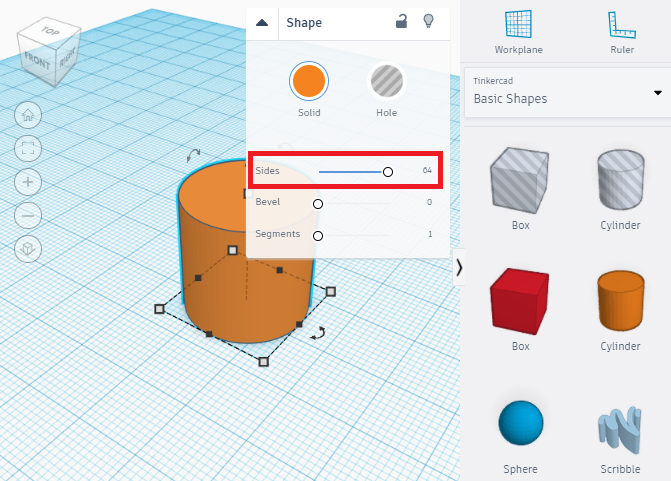
Once a cylinder (it is the same with cones) has been dragged to the grid, you must select it and change the number of sides to its maximum value, this way, its rounded surface will be softer:
Then, to rotate a cylinder, or any other shape, you must use the curved arrows that appear when a shape is selected. Depending on which arrows you use the shape will rotate in one or another direction:
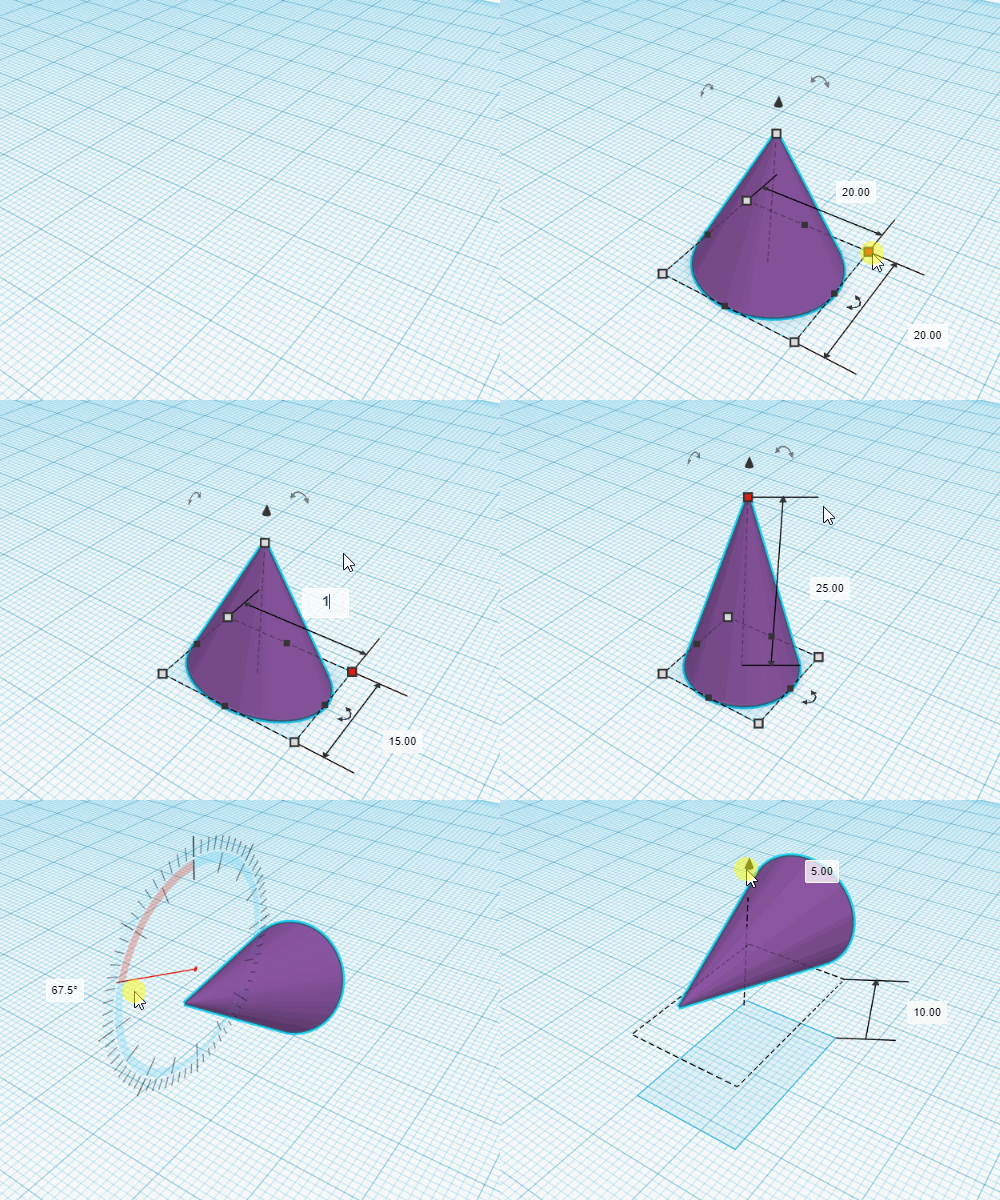
Now we are going to see how any shape can be moved up or down a certain distance from the grid. In this case we are going to use the example of a cone that has been previously dimensioned and rotated:
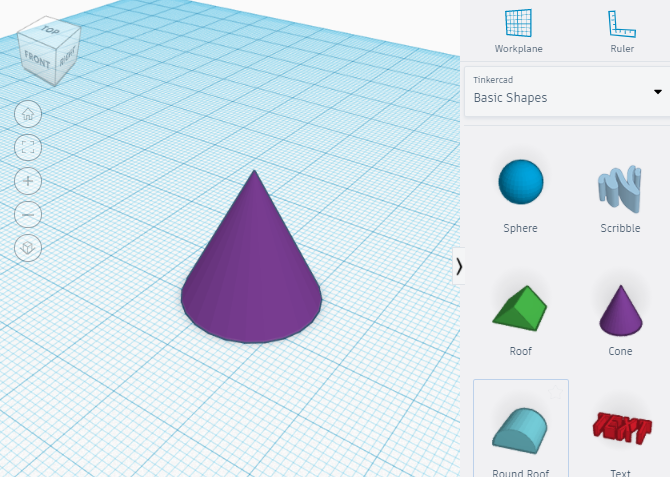
To move a shape up or down the little cone that appears on top of the shape must be dragged in the appropriate direction. you can also introduce the distance that you wan to move the shape with your keyboard: